Free template · Excel & Google Sheets
Free client contact list template
All your clients, prospects and suppliers in one list, with the date you last spoke and the date to follow up. Simple, sortable, ready in Excel and Google Sheets.
- No macros
- Sample data included
- Print-ready
Get the free template
Free, instant download. Tell us a little about you so we only send what’s useful.
Google Sheets: in Google Drive, New → File upload, then open the file with Google Sheets.
What’s inside
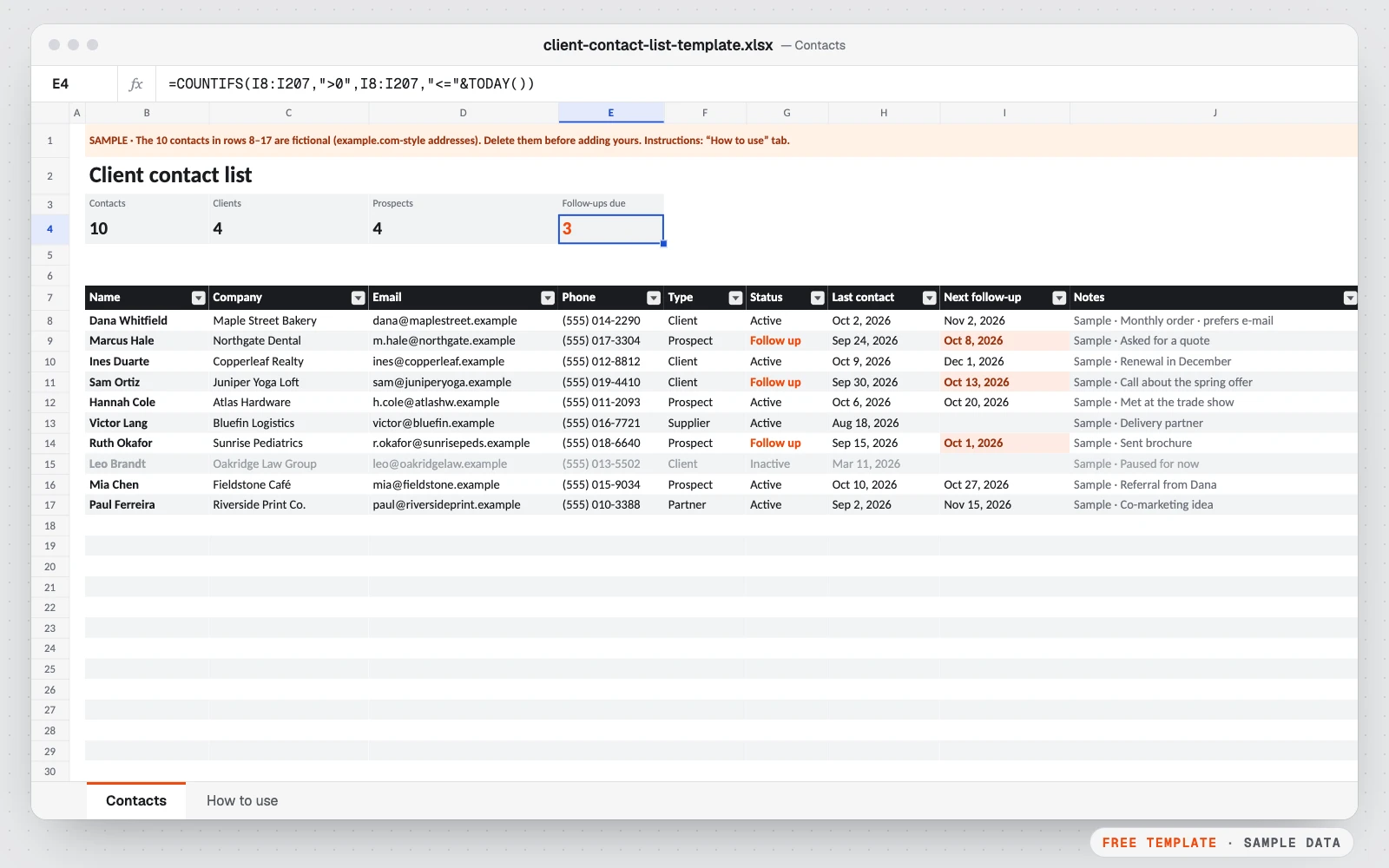
- Name, company, e-mail, phone, type, status, last contact, next follow-up, notes
- Type and status drop-downs (client, prospect, supplier, partner…)
- Follow-up dates that are due today or past are highlighted
- Counters at the top: contacts, clients, prospects, follow-ups due
- Filter arrows to show one type or one status
- Room for 200 contacts, with a “How to use” tab
Who it’s for
- Freelancers and consultants keeping track of clients
- Small businesses following up prospects
- Anyone moving off sticky notes and scattered e-mails
Google Sheets version. The Google Sheets copy is the same template without Excel “table” objects, which Google Sheets doesn’t convert cleanly: lists use plain formatting, banded rows and a filter instead. Formulas, drop-downs and colors work the same. Print settings are chosen in File → Print.
How to use it
- 1Download the file and open it in Excel, Google Sheets or Numbers.
- 2Delete the 10 sample contacts.
- 3Add one person per row and pick a type and a status.
- 4Write the date of your last contact and the next follow-up.
- 5Each morning, sort or filter on the follow-up column: what’s due is highlighted.
Custom version
Want it customized for your business?
Want it automated for your business (dashboard, alerts, macros, connected to your data)? We build the custom version for you, at a fixed price.
For example: follow-up reminders sent to you by e-mail, new website form entries added automatically, contacts synced with your mailbox or your CRM.
Workflow automation (n8n, Make, Zapier)
Also useful: B2B lead list research · from $99
Questions
How do I create a client list in Excel?
Use one row per contact and one column per detail (name, company, e-mail, phone, type, status, dates, notes). This template has those columns ready, with drop-downs and highlighted follow-ups.
Is an Excel contact list a CRM?
It covers the basics of one: who your contacts are and when to follow up. When you want reminders sent to you, website form entries added automatically or a sync with your mailbox, that’s the custom automation.
How do I see who to follow up today?
Sort or filter the “Next follow-up” column. Dates that are today or past are highlighted in orange, and the counter at the top shows how many are due.
Can I import my contacts from Gmail or Outlook?
Yes: export your contacts as a CSV file, then copy the columns you need (name, e-mail, phone, company) into the matching columns of the list.
Does it work in Google Sheets?
Yes. Download the Google Sheets copy and open it from Google Drive with Google Sheets.
More free templates
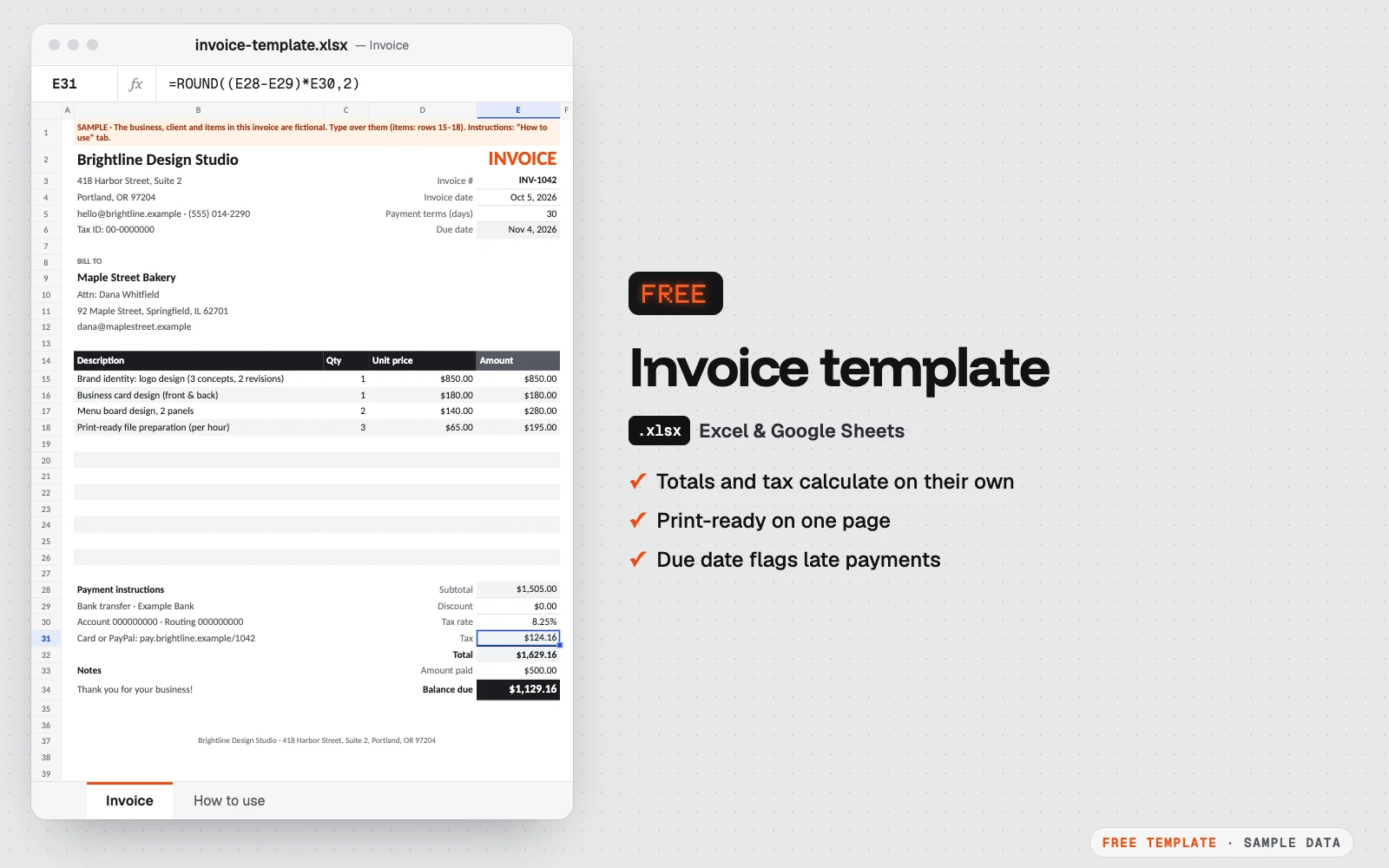
Free invoice template
A clean one-page invoice for Excel and Google Sheets.
Excel · Google Sheets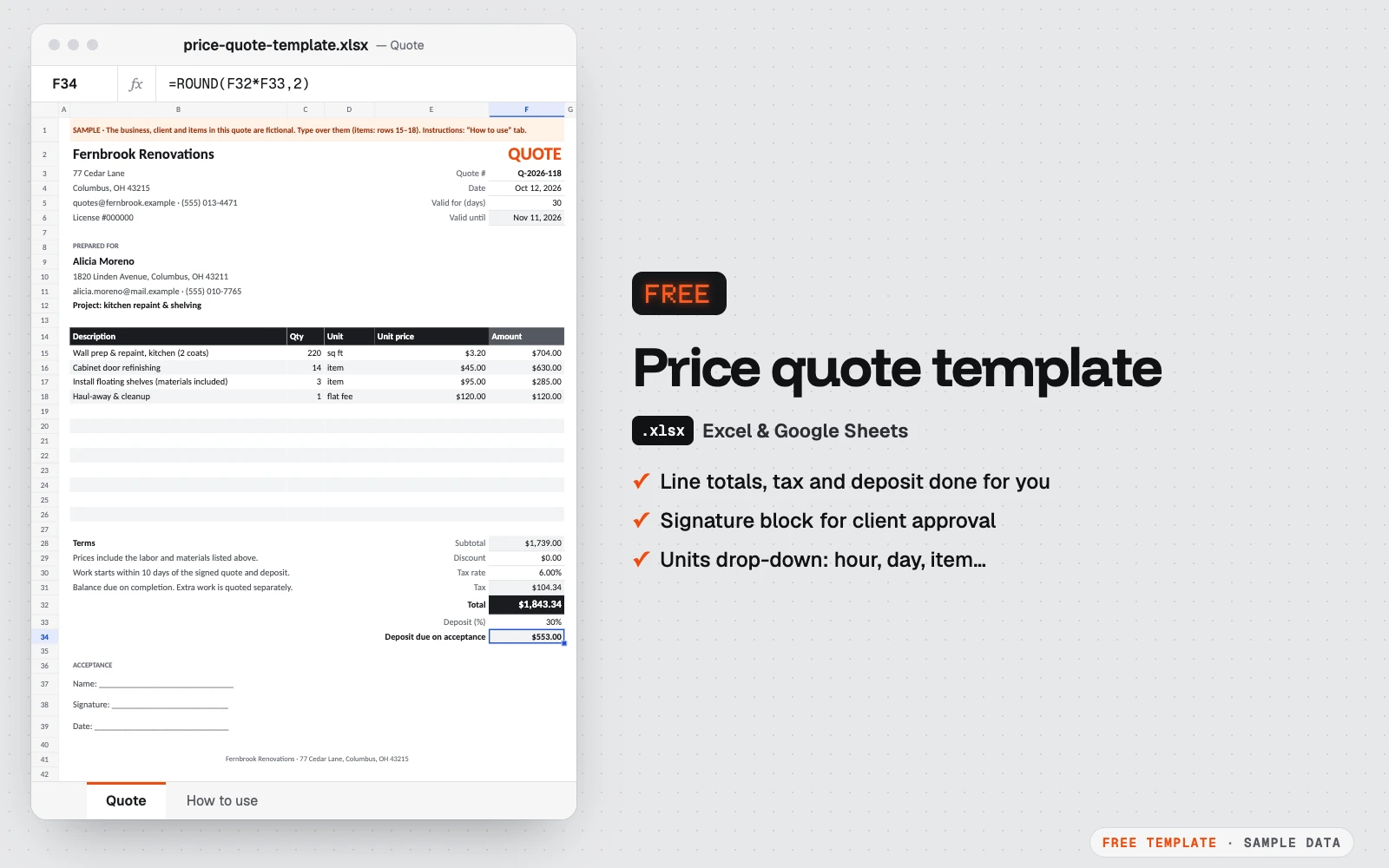
Free price quote template
A one-page quote your client can sign.
Excel · Google Sheets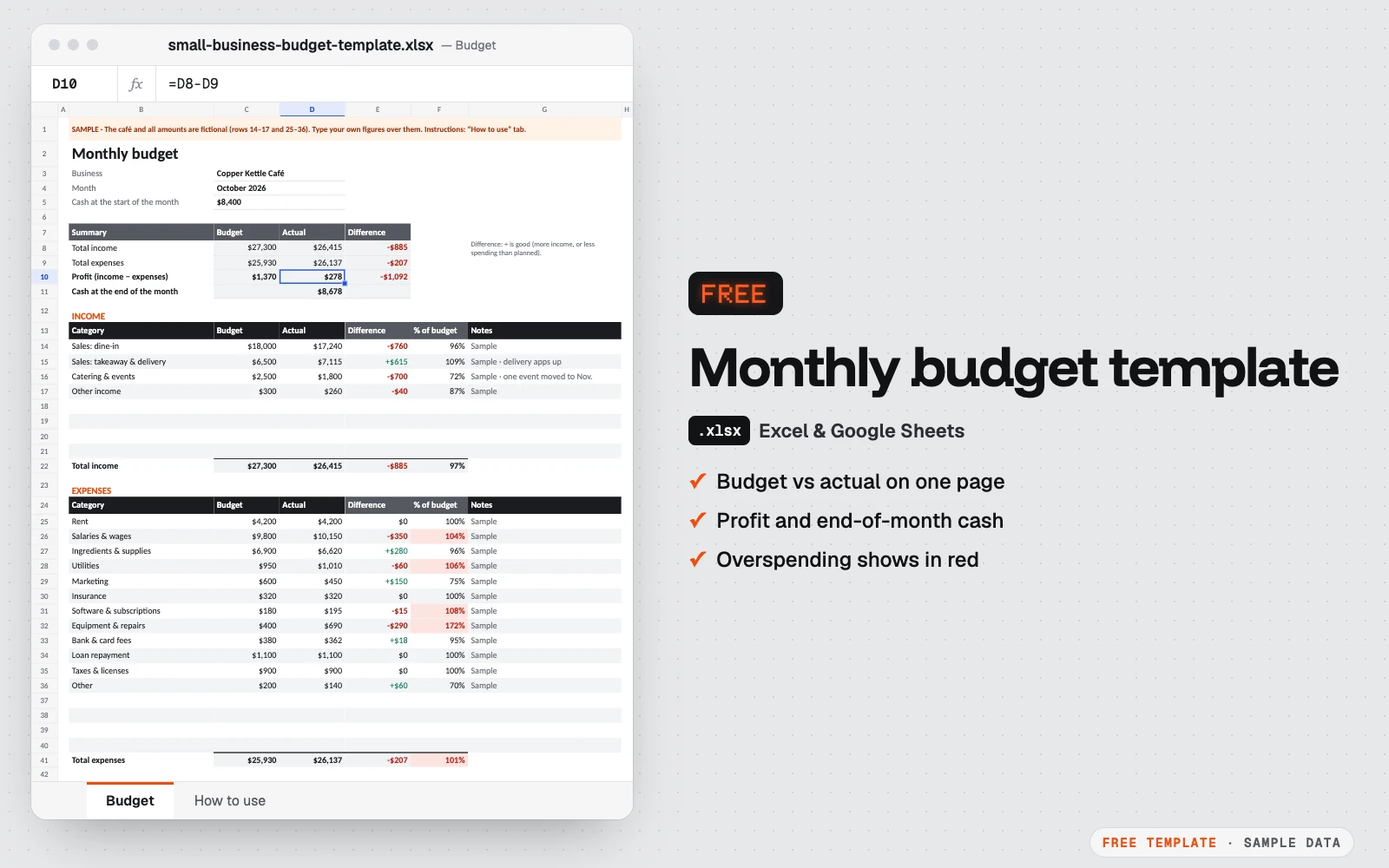
Free monthly budget template for small business
One month on one page: what you planned, what really happened, and the cash left at the end of the month.
Excel · Google Sheets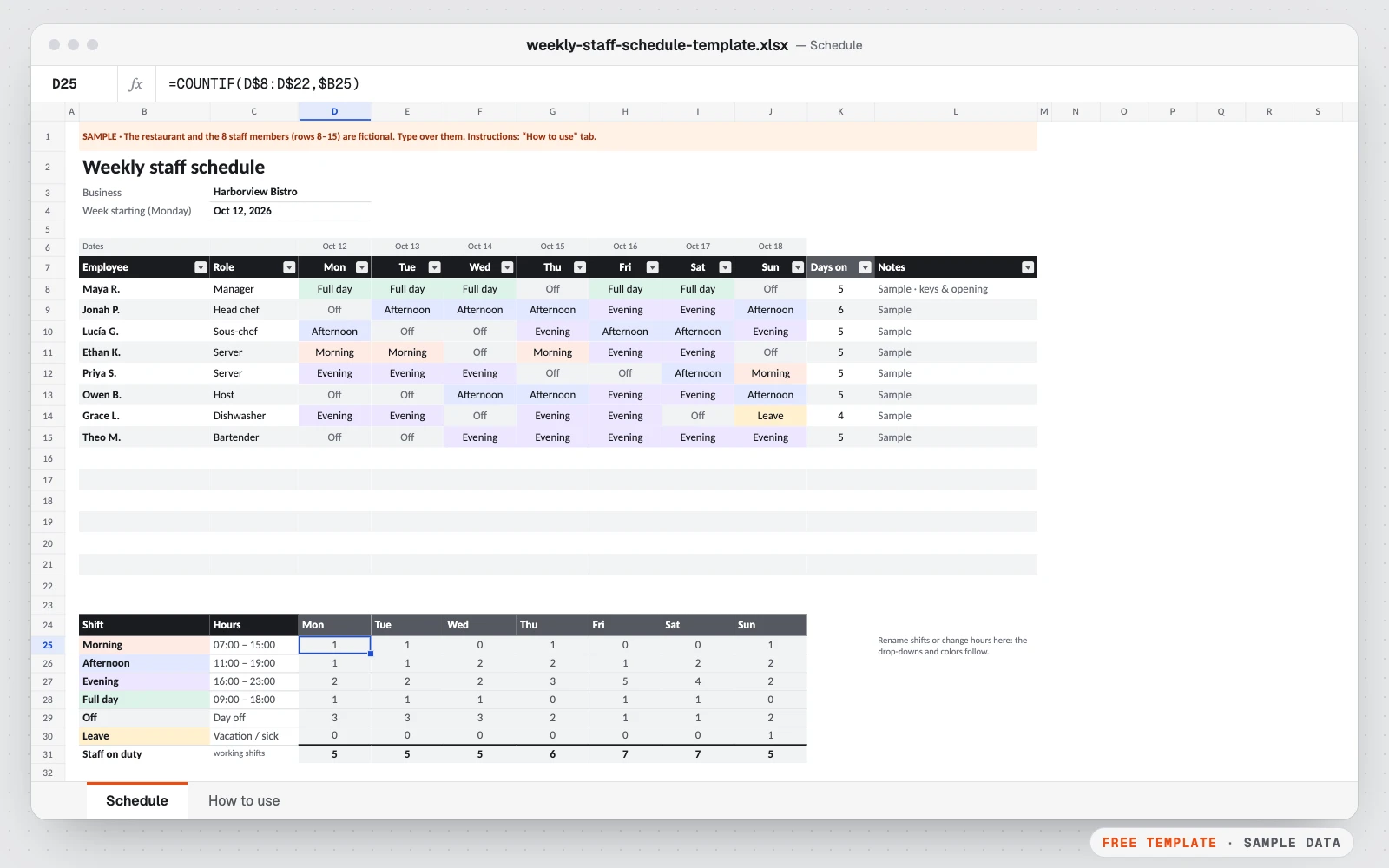
Free weekly staff schedule template
Plan who works when, at a glance.
Excel · Google Sheets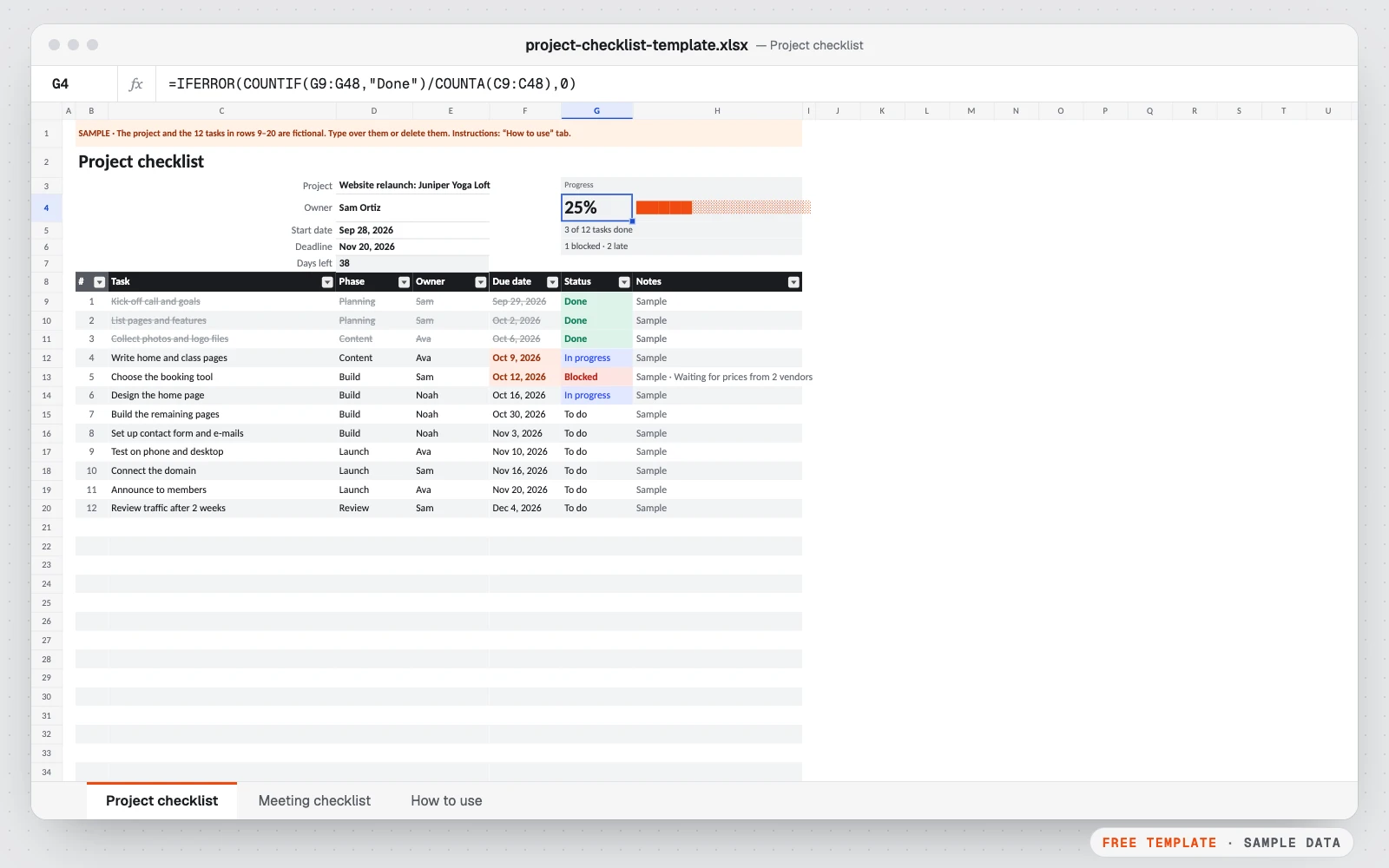
Free project & meeting checklist template
Two simple checklists in one file: one to keep a project on track, one to run a meeting that ends with clear action items.
Excel · Google Sheets