Free template · Excel & Google Sheets
Free weekly staff schedule template
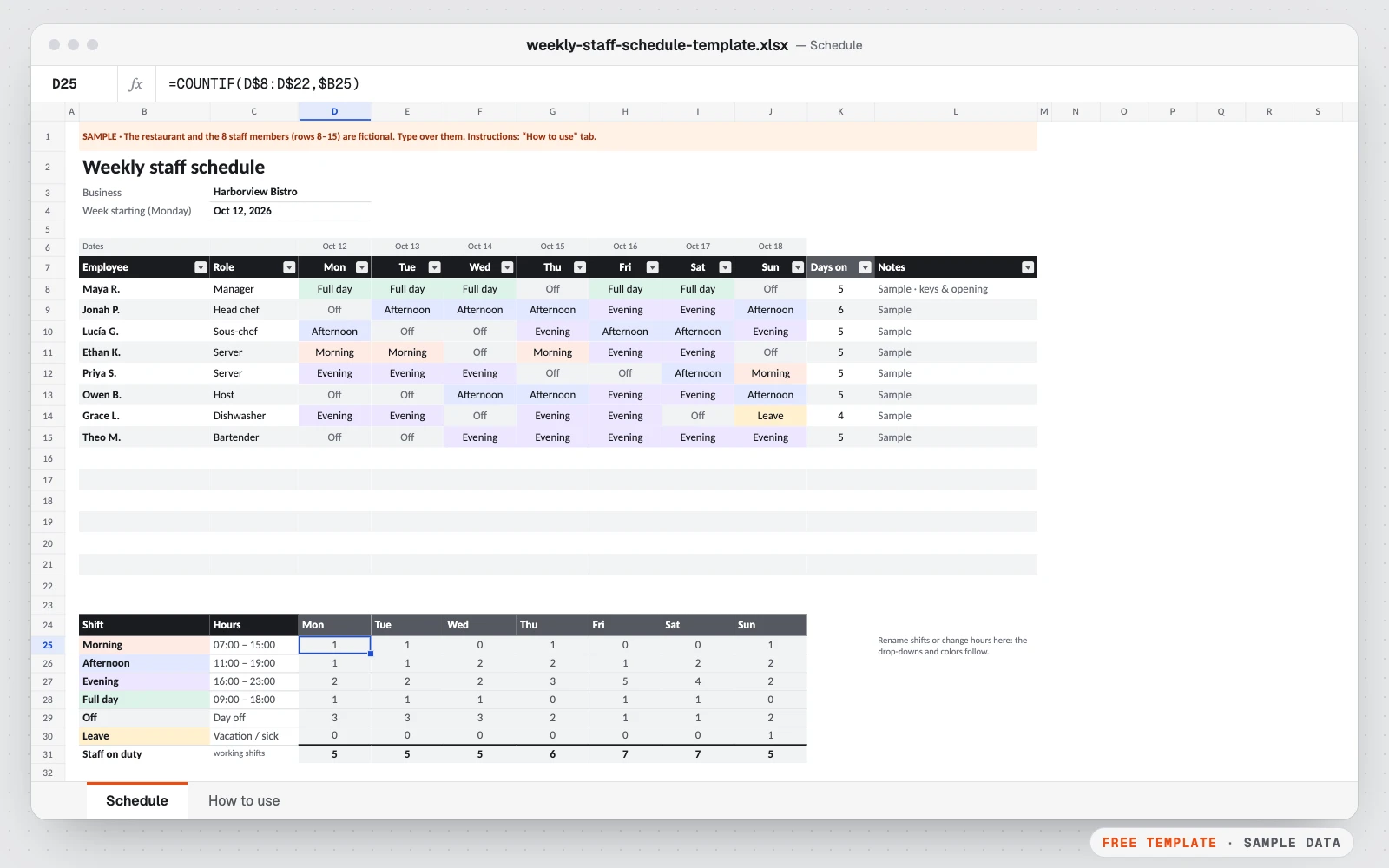
Plan who works when, at a glance. Pick a shift for each person and day: the colors, days worked and staff on duty update on their own.
- No macros
- Sample data included
- Print-ready
Get the free template
Free, instant download. Tell us a little about you so we only send what’s useful.
Google Sheets: in Google Drive, New → File upload, then open the file with Google Sheets.
What’s inside
- A week grid for up to 15 people, Monday to Sunday, with the dates filled in
- Shift drop-down (morning, afternoon, evening, full day, off, leave) with colors
- Days worked per person and staff on duty per shift and per day
- A day with fewer than 2 people on duty turns red
- Shift names and hours you can rename in one place
- Landscape print on one page, with a “How to use” tab
Who it’s for
- Restaurants, cafés and bars
- Shops, salons and clinics
- Any team that works in shifts
Google Sheets version. The Google Sheets copy is the same template without Excel “table” objects, which Google Sheets doesn’t convert cleanly: lists use plain formatting, banded rows and a filter instead. Formulas, drop-downs and colors work the same. Print settings are chosen in File → Print.
How to use it
- 1Download the file and open it in Excel, Google Sheets or Numbers.
- 2Type your business name and the Monday of the week.
- 3Set your shift names and hours in the legend, then list your staff.
- 4Pick a shift for each person and day from the drop-down.
- 5Check staff on duty, print it or share it. Copy the tab for next week.
Custom version
Want it customized for your business?
Want it automated for your business (dashboard, alerts, macros, connected to your data)? We build the custom version for you, at a fixed price.
For example: hours and overtime per person, labor cost per day, several weeks and locations, conflicts with time-off requests flagged automatically.
Formulas, macros & spreadsheet automation
Also useful: Workflow automation (n8n, Make, Zapier) · from $199
Questions
How do I make a weekly staff schedule in Excel?
Open this template, type the Monday of the week, list your staff, then pick a shift for each day from the drop-down. The colors, days worked and staff on duty update on their own.
Can I change the shift names and hours?
Yes. Rename them in the legend under the schedule: the drop-downs and colors follow. Keep “Off” and “Leave” as the last two.
How do I make next week’s schedule?
Right-click the tab → Move or Copy → Create a copy, then change the Monday. The dates update by themselves.
Does it calculate hours and overtime?
This free version counts days worked and staff on duty. Hours, overtime and labor cost per person are what the custom version adds.
Does it work in Google Sheets?
Yes. Download the Google Sheets copy and open it from Google Drive with Google Sheets.
More free templates
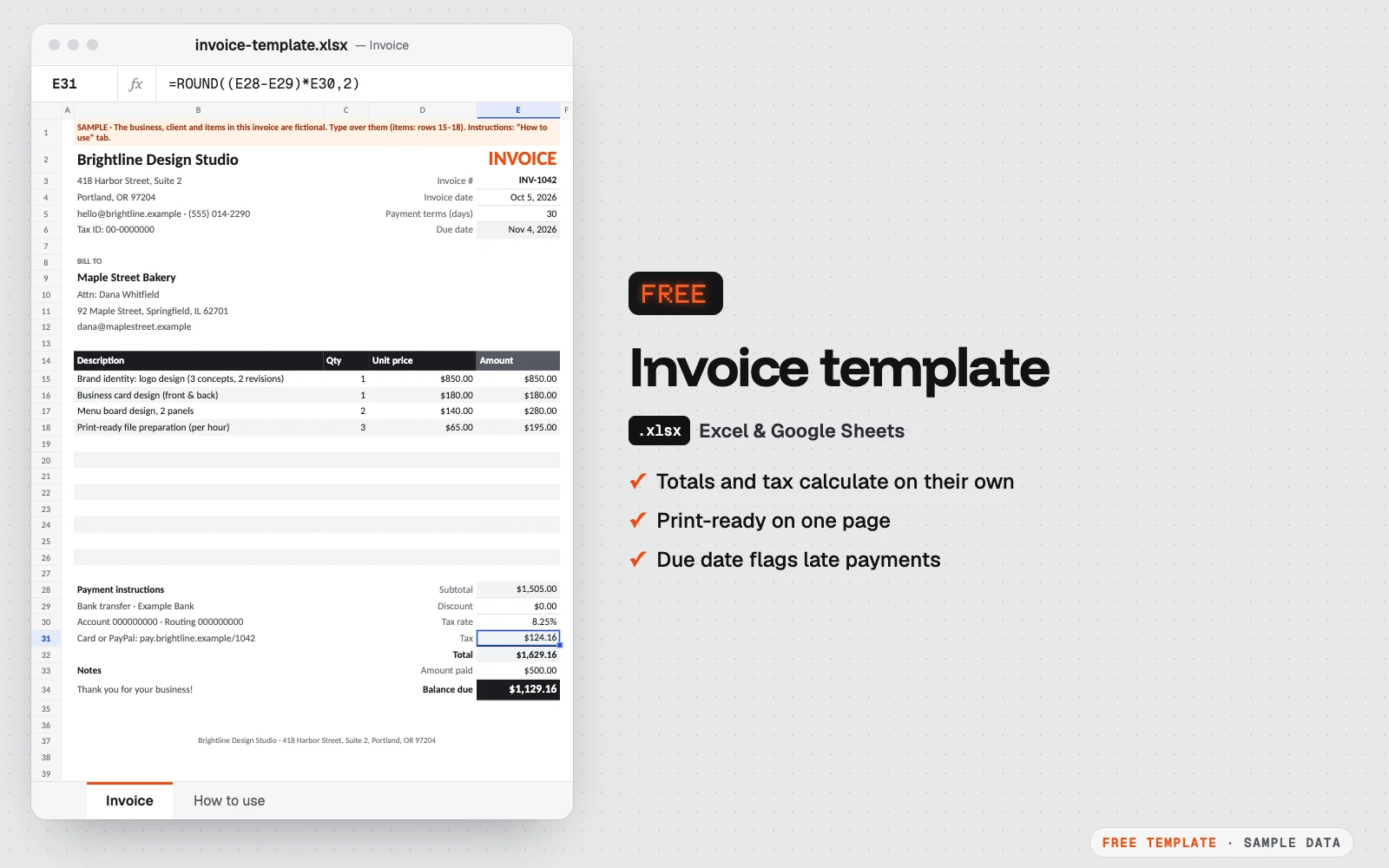
Free invoice template
A clean one-page invoice for Excel and Google Sheets.
Excel · Google Sheets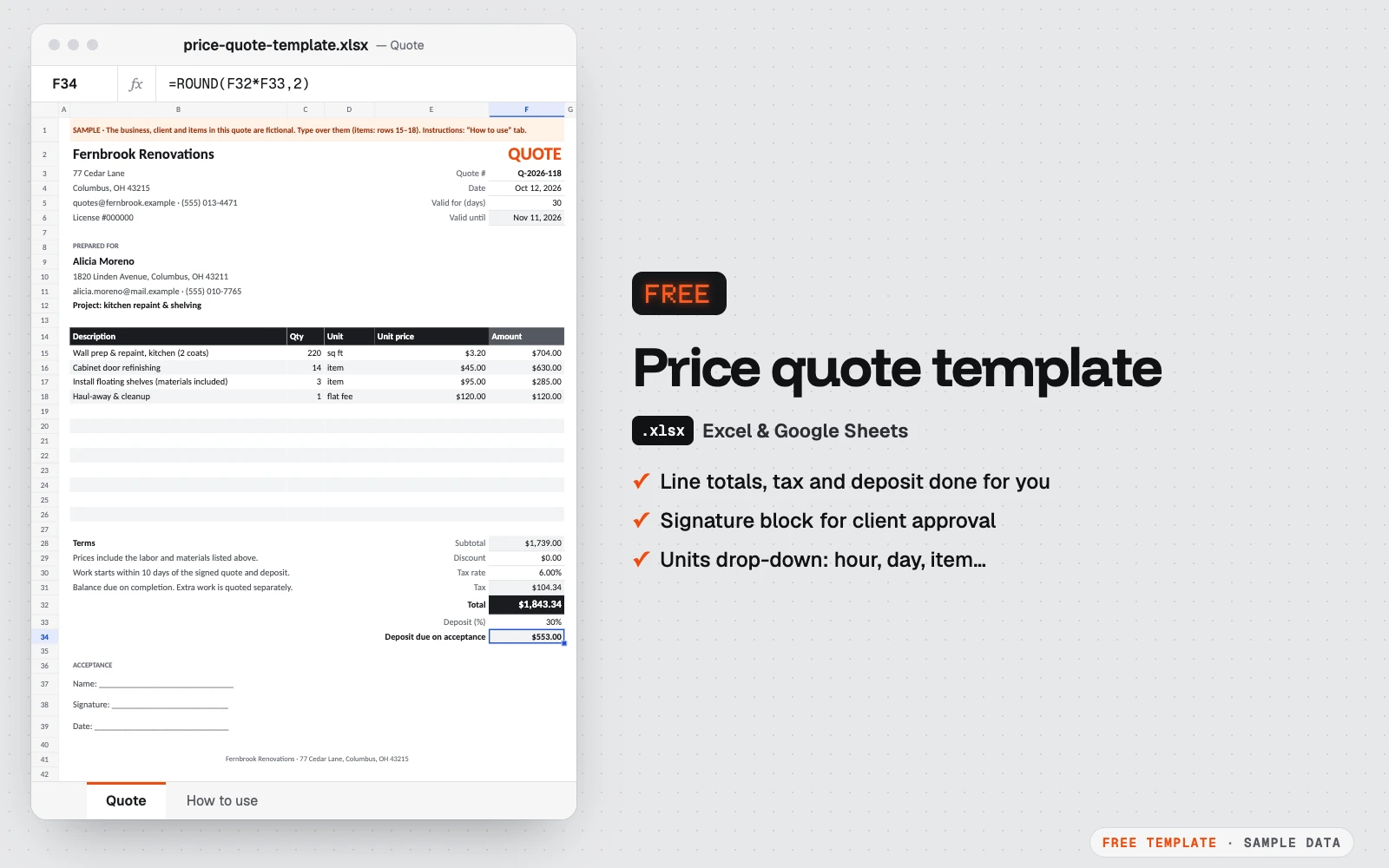
Free price quote template
A one-page quote your client can sign.
Excel · Google Sheets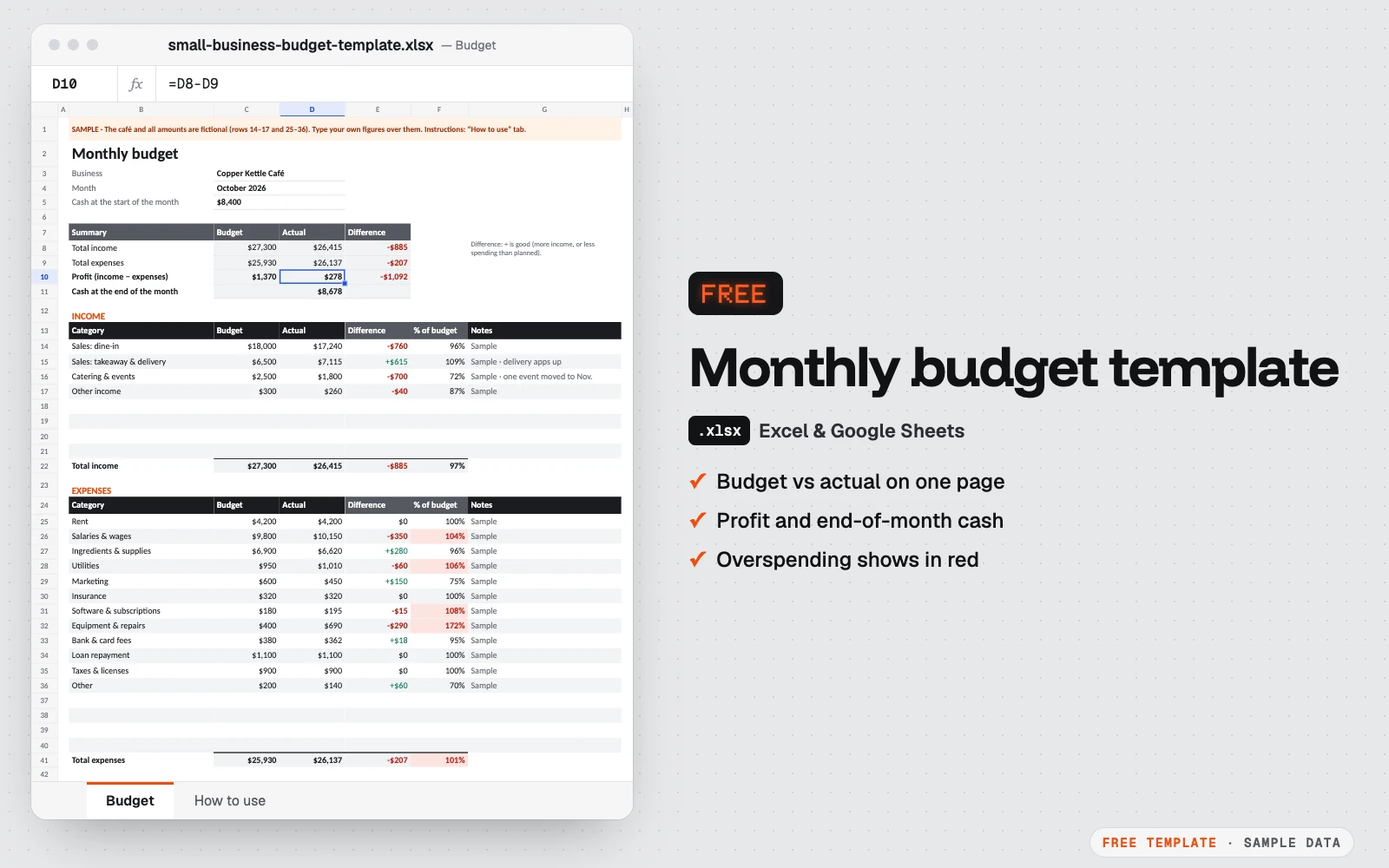
Free monthly budget template for small business
One month on one page: what you planned, what really happened, and the cash left at the end of the month.
Excel · Google Sheets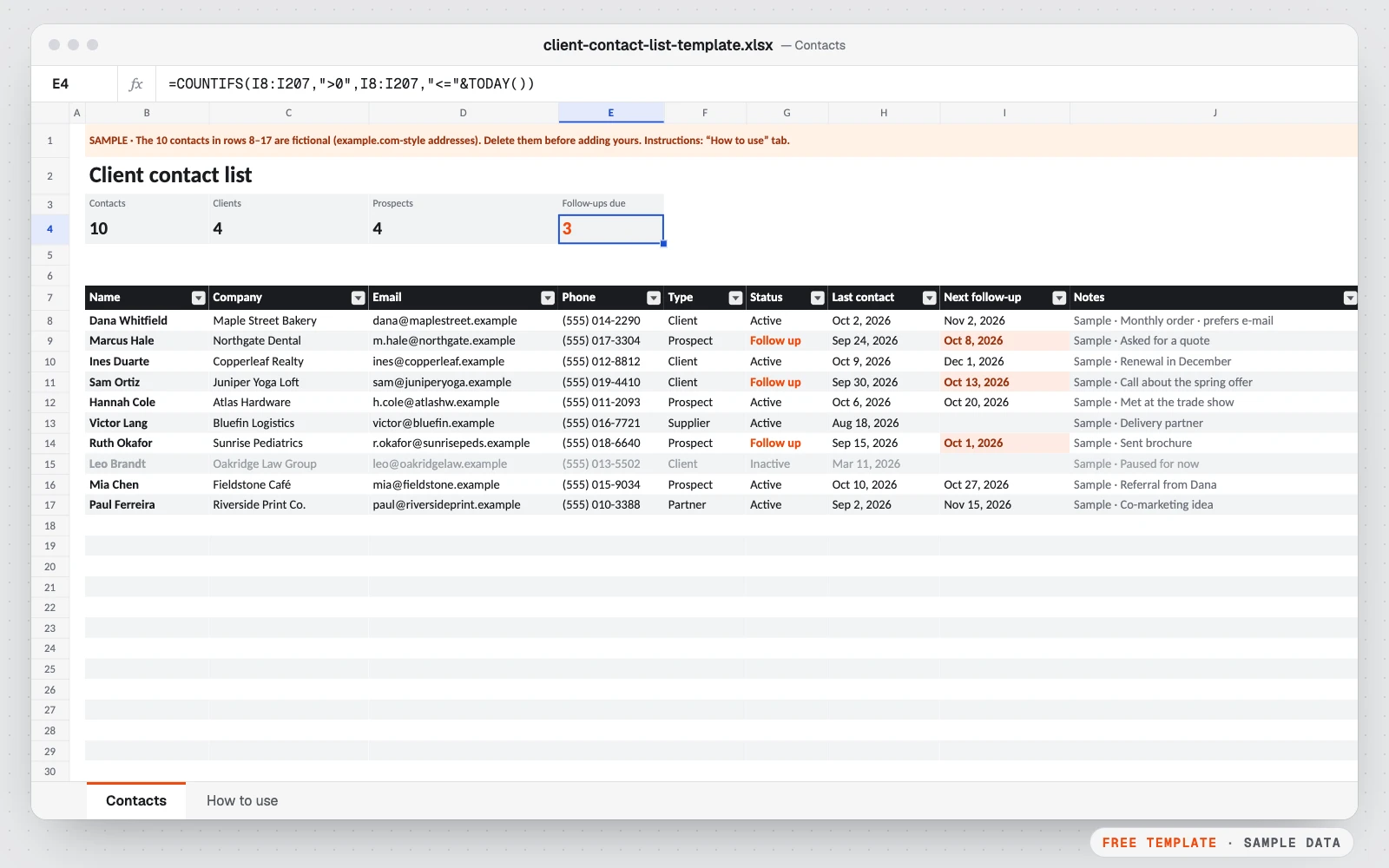
Free client contact list template
All your clients, prospects and suppliers in one list, with the date you last spoke and the date to follow up.
Excel · Google Sheets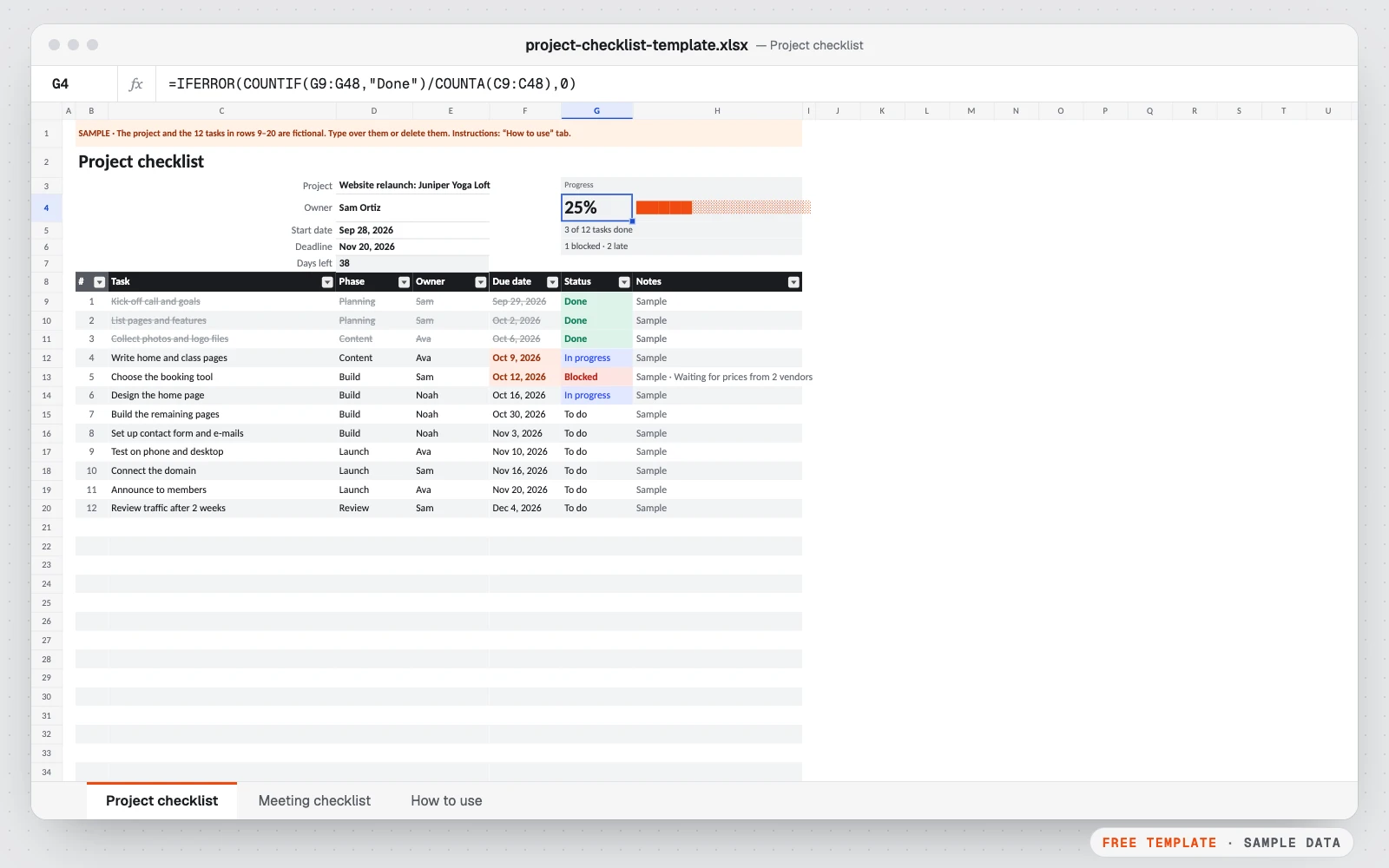
Free project & meeting checklist template
Two simple checklists in one file: one to keep a project on track, one to run a meeting that ends with clear action items.
Excel · Google Sheets