Free template · Excel & Google Sheets
Free project & meeting checklist template
Two simple checklists in one file: one to keep a project on track, one to run a meeting that ends with clear action items.
- No macros
- Sample data included
- Print-ready
Get the free template
Free, instant download. Tell us a little about you so we only send what’s useful.
Google Sheets: in Google Drive, New → File upload, then open the file with Google Sheets.
What’s inside
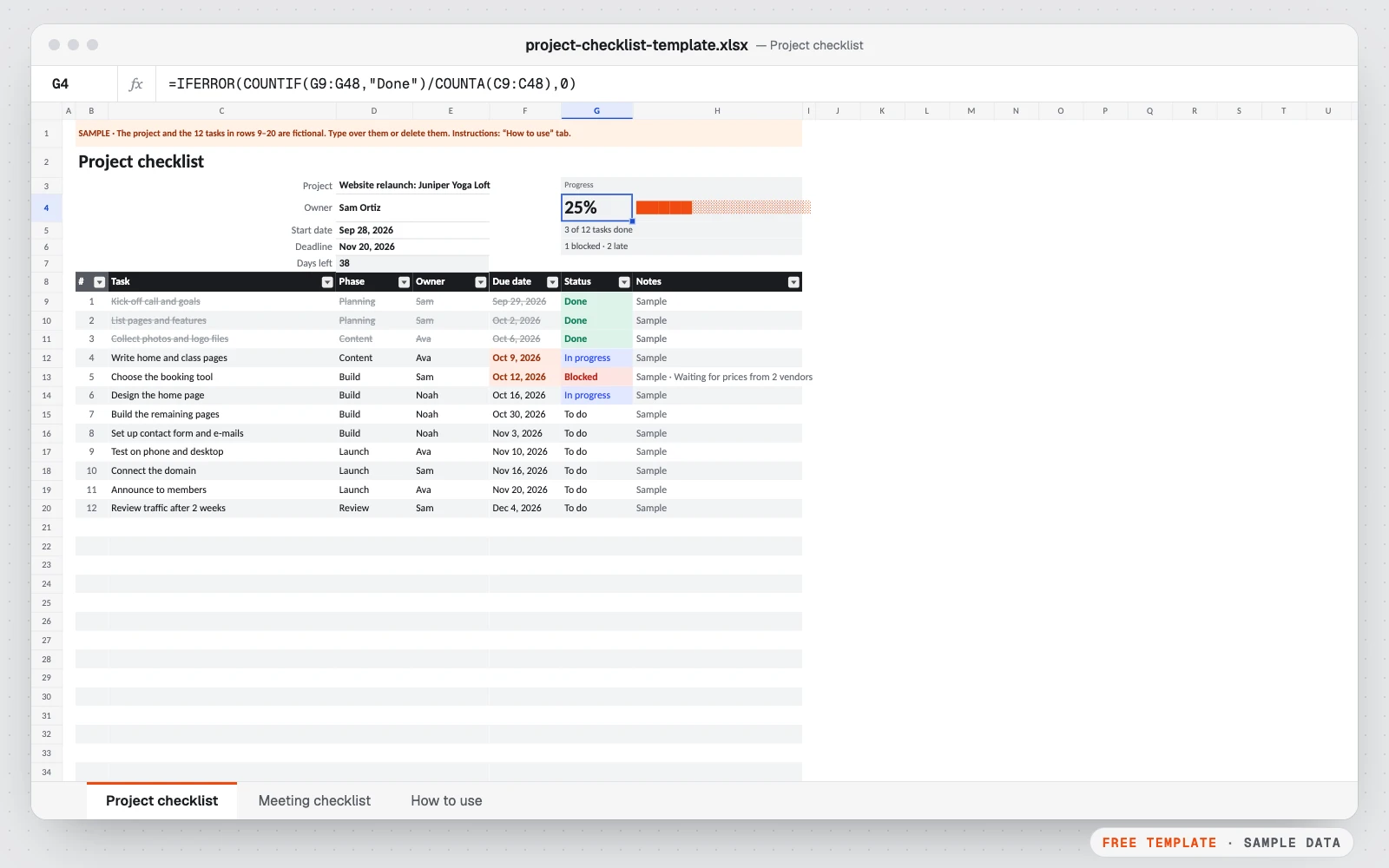
- Project tab: tasks, phase, owner, due date, status and notes for up to 40 tasks
- Progress bar, tasks done, blocked and late, days left before the deadline
- Done tasks crossed out, blocked in red, late dates in orange
- Meeting tab: preparation checklist, timed agenda with automatic start times
- Action items with owner, due date and status
- Print-ready, with a “How to use” tab
Who it’s for
- Small teams running projects without a project tool
- Managers who run weekly or monthly meetings
- Freelancers organizing client projects
Google Sheets version. The Google Sheets copy is the same template without Excel “table” objects, which Google Sheets doesn’t convert cleanly: lists use plain formatting, banded rows and a filter instead. Formulas, drop-downs and colors work the same. Print settings are chosen in File → Print.
How to use it
- 1Download the file and open it in Excel, Google Sheets or Numbers.
- 2On the Project tab, type the project, owner, start date and deadline.
- 3Replace the sample tasks with yours and update the status as you go.
- 4On the Meeting tab, tick the preparation, write the agenda with minutes per topic.
- 5Write the action items with an owner and a due date, then share it.
Custom version
Want it customized for your business?
Want it automated for your business (dashboard, alerts, macros, connected to your data)? We build the custom version for you, at a fixed price.
For example: all your projects in one dashboard with progress and workload per person, deadline alerts by e-mail, a timeline view.
Excel or Google Sheets dashboard
Also useful: Workflow automation (n8n, Make, Zapier) · from $199
Questions
How do I make a project checklist in Excel?
List one task per row with a phase, an owner, a due date and a status. This template adds the colors, the progress bar and the late-task count for you.
How is the progress calculated?
Tasks marked “Done” divided by the number of tasks listed. The bar under it fills in as you go.
What should a meeting checklist include?
A one-line goal, the agenda with a time for each topic, who leads each topic, what to prepare, and the action items with an owner and a due date. The Meeting tab has all of these.
Can I use it for several projects?
Yes: copy the tab for each project. One dashboard for all your projects, with workload per person and deadline alerts, is what the custom version adds.
Does it work in Google Sheets?
Yes. Download the Google Sheets copy and open it from Google Drive with Google Sheets.
More free templates
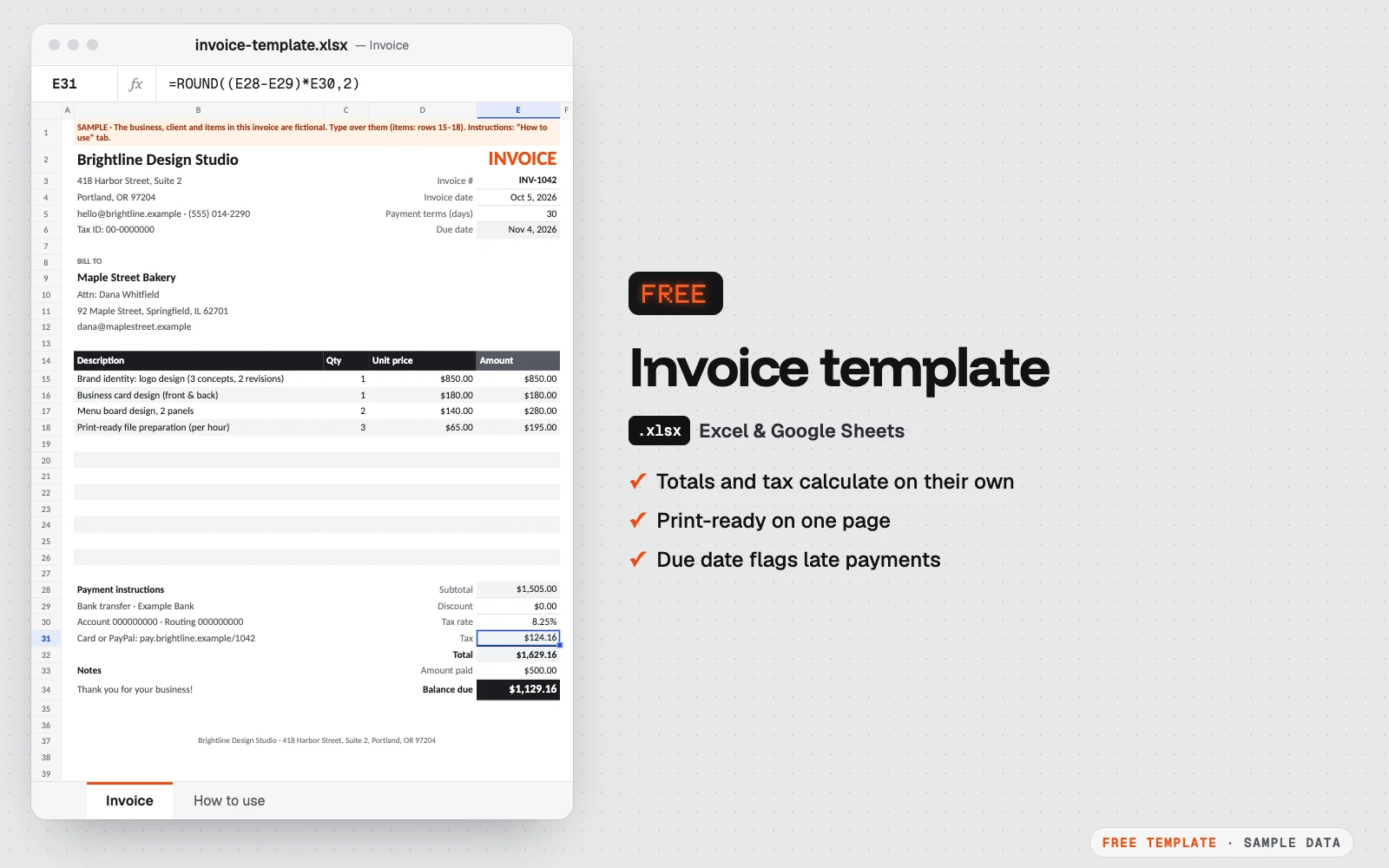
Free invoice template
A clean one-page invoice for Excel and Google Sheets.
Excel · Google Sheets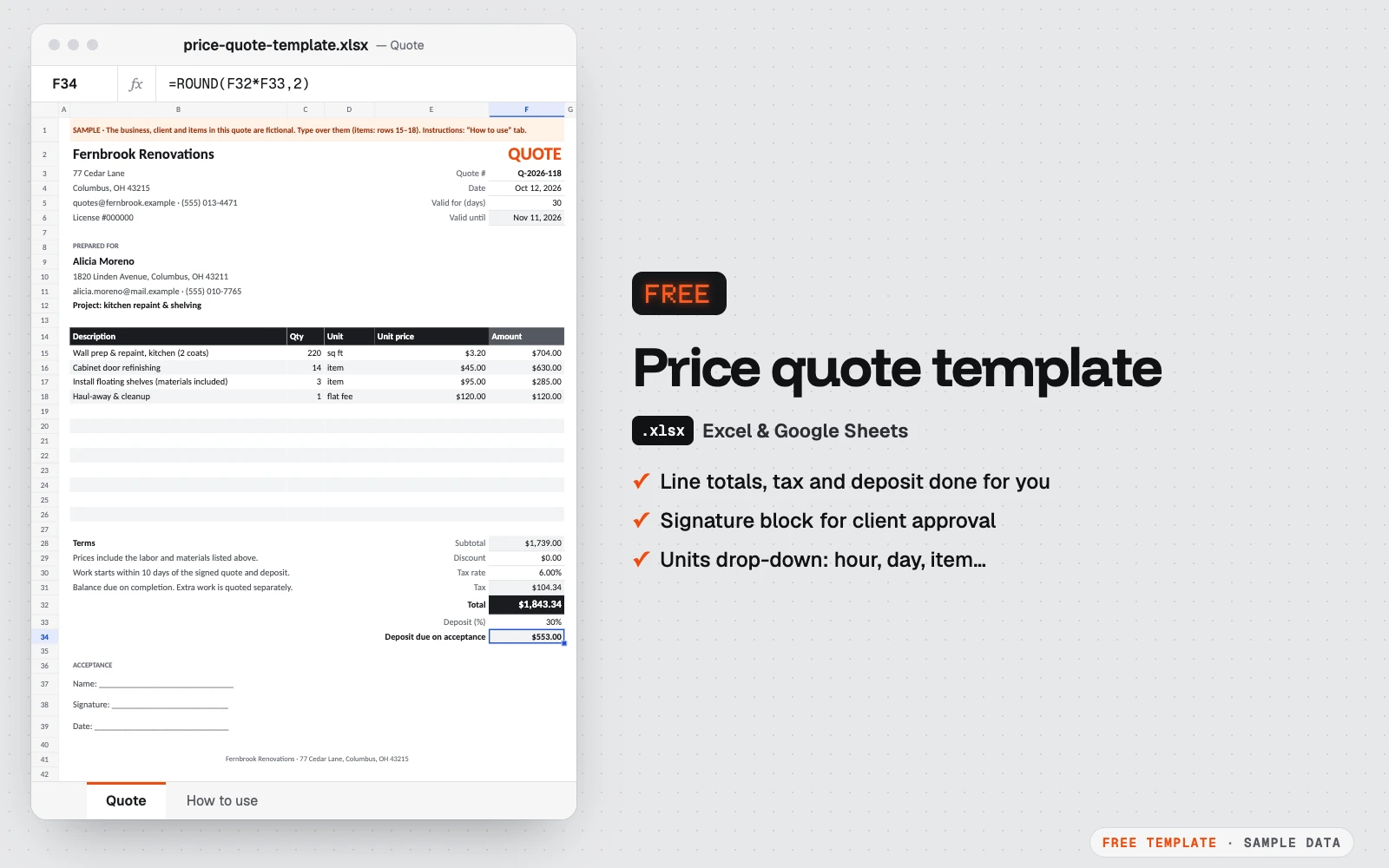
Free price quote template
A one-page quote your client can sign.
Excel · Google Sheets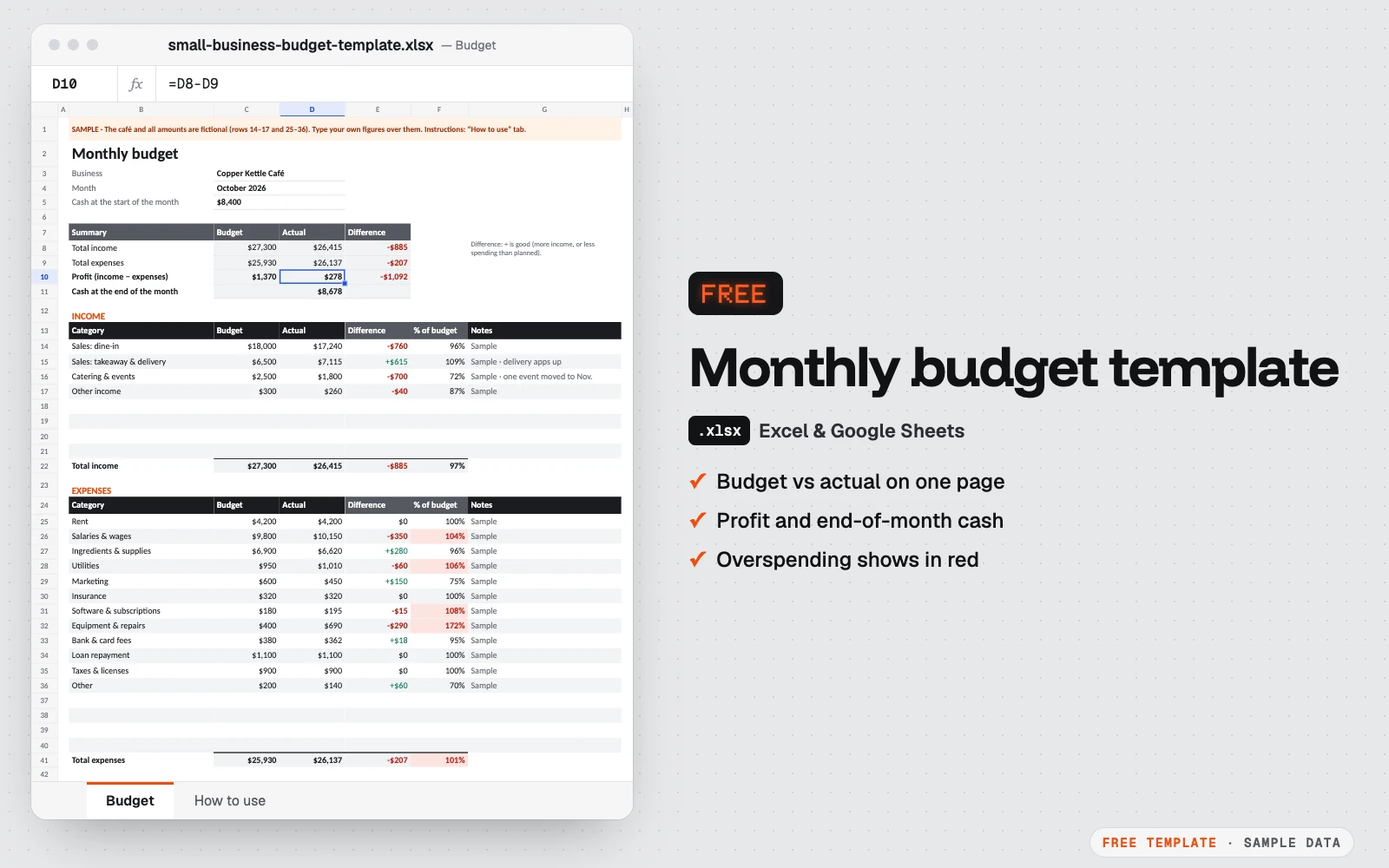
Free monthly budget template for small business
One month on one page: what you planned, what really happened, and the cash left at the end of the month.
Excel · Google Sheets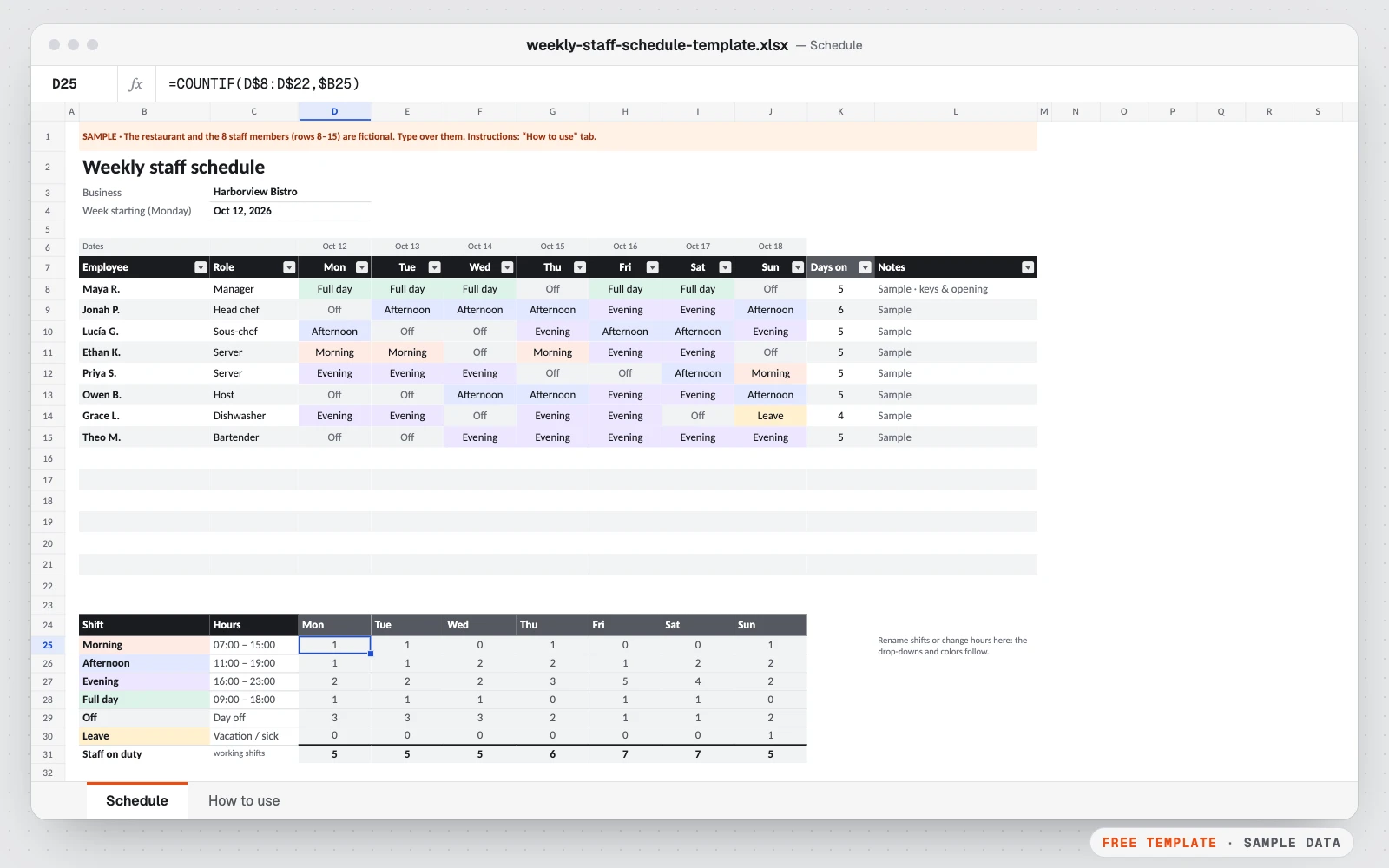
Free weekly staff schedule template
Plan who works when, at a glance.
Excel · Google Sheets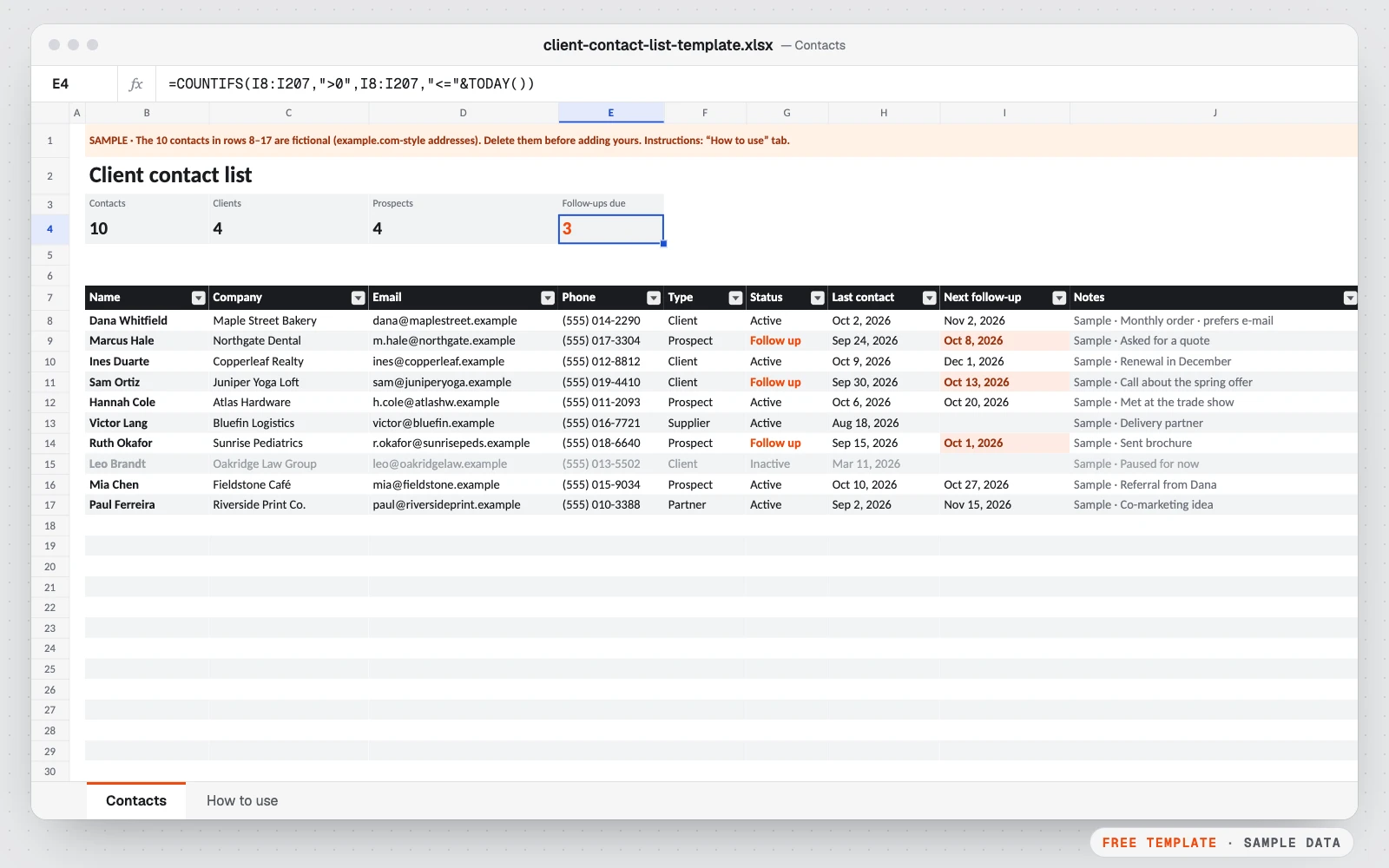
Free client contact list template
All your clients, prospects and suppliers in one list, with the date you last spoke and the date to follow up.
Excel · Google Sheets